
Mastercam Exercises
You learn CAM programming by doing. We have compiled free Mastercam exercises on this page to help you develop your skills through practical assignments. The materials are suitable for students, teachers, and machining professionals alike.
Mastercam exercises are designed to support self-study and are freely available for use, for example, in vocational education. You can find more information about Mastercam toolpaths in the support section of our website. You can also explore the Mastercam training videos in our online store. To download a free demonstration version of Mastercam for practice, follow the instructions available here
Design
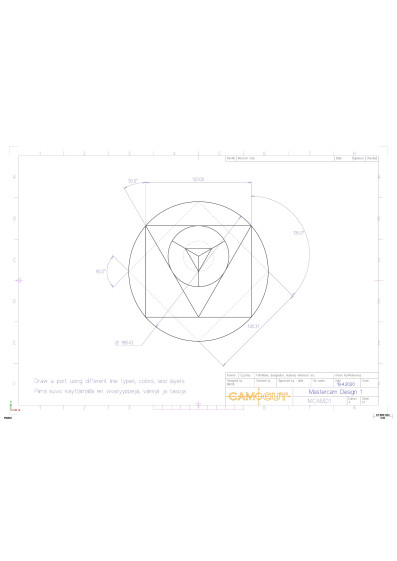
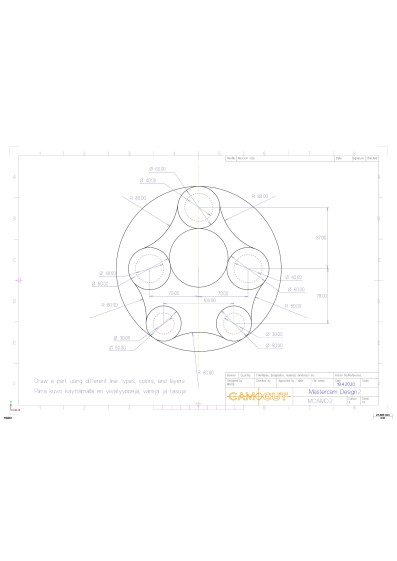
Mill
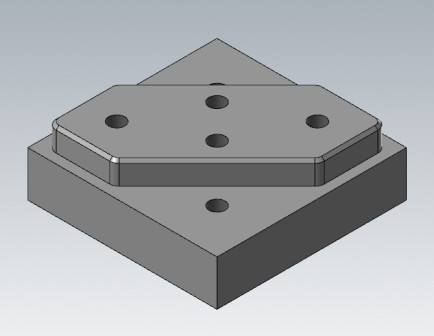
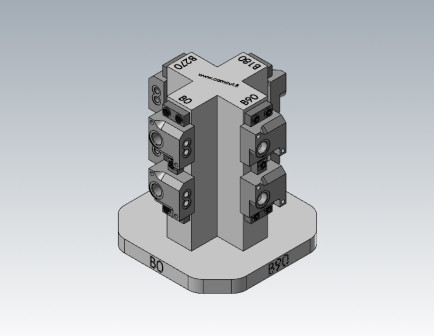
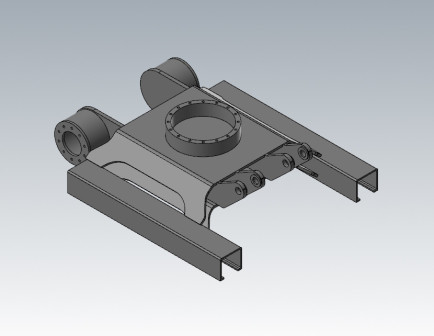
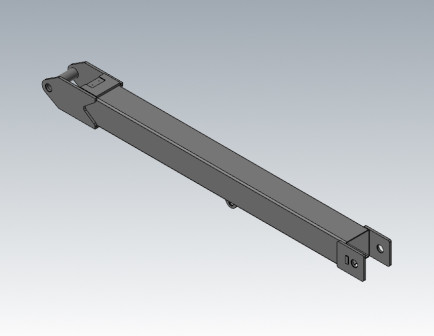
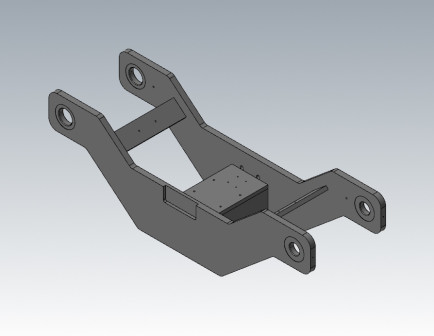
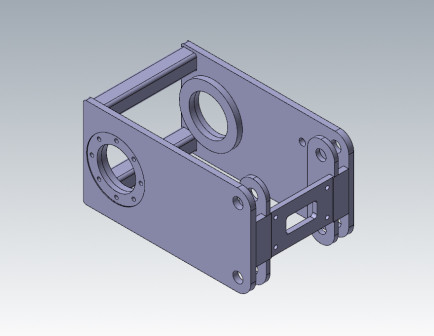
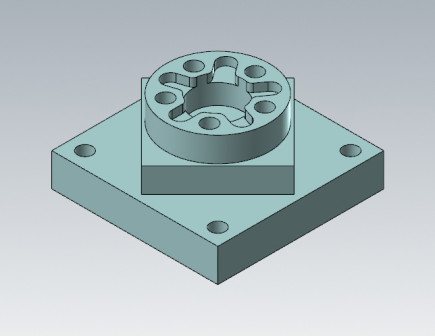
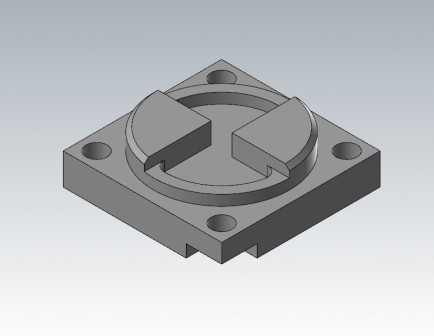
Mill3D
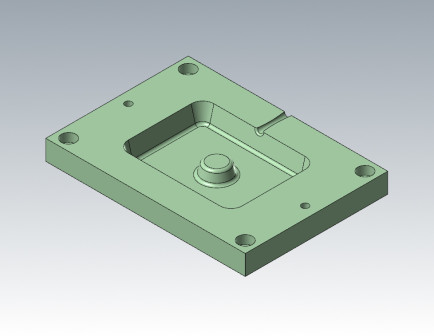
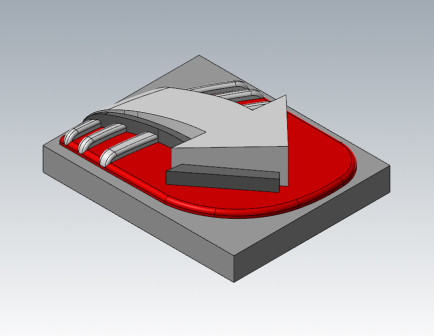
Lathe
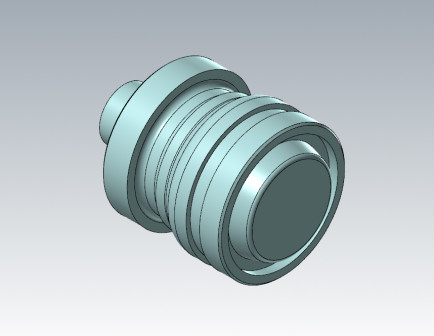
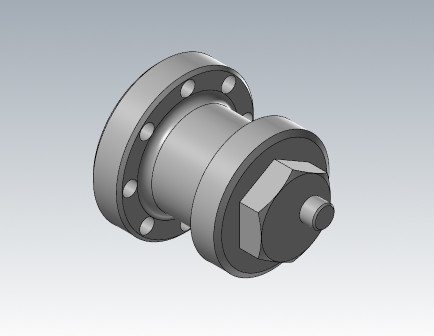
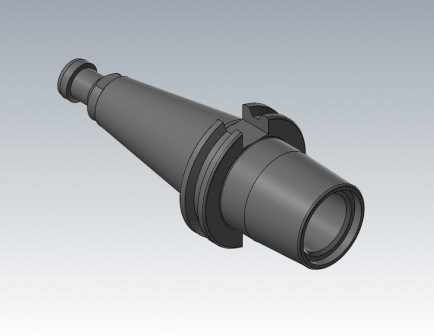
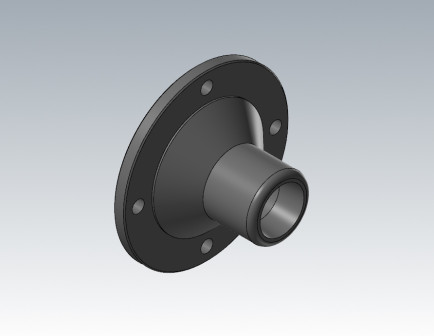
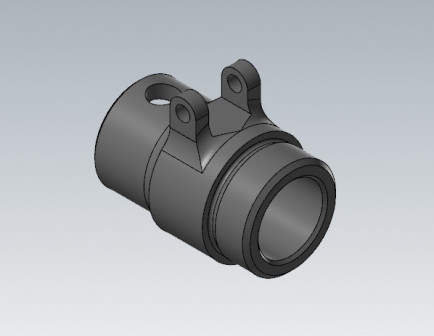
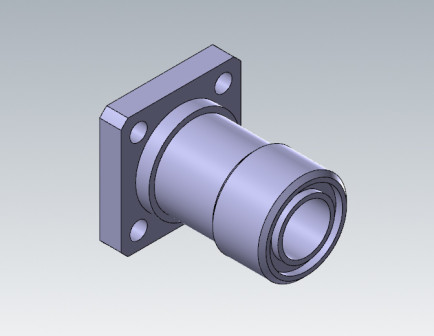
Multiaxis-harjoitukset
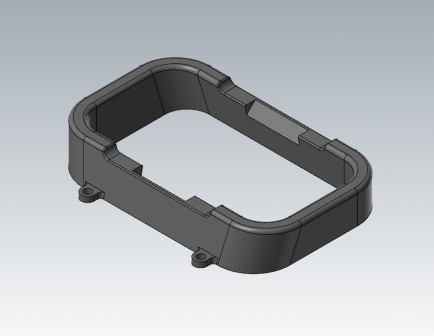
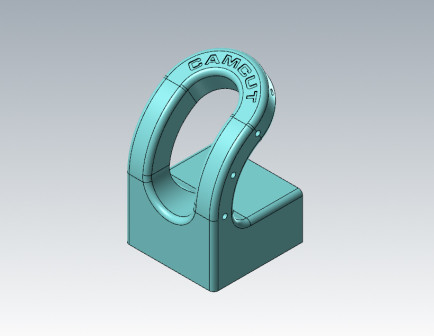
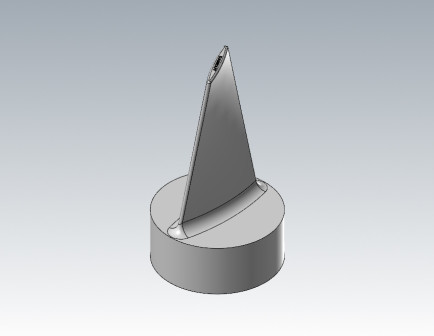
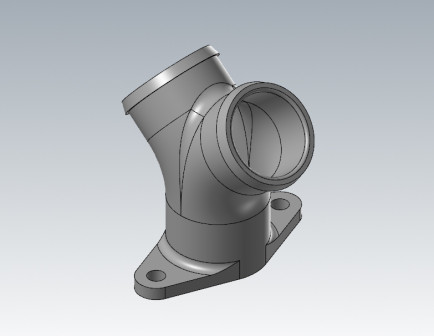
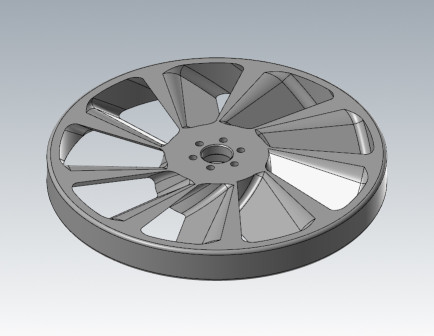
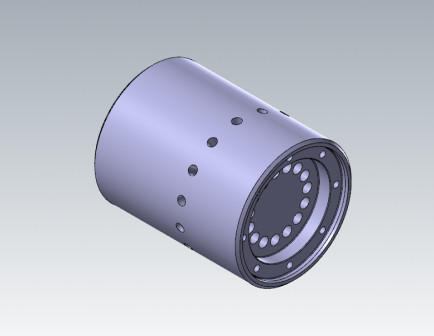
Training Files
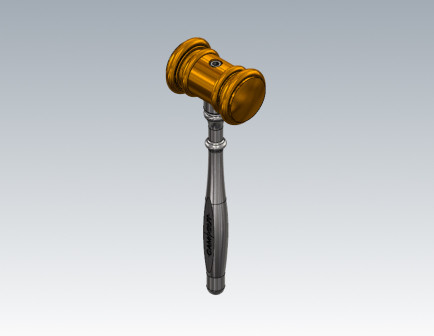
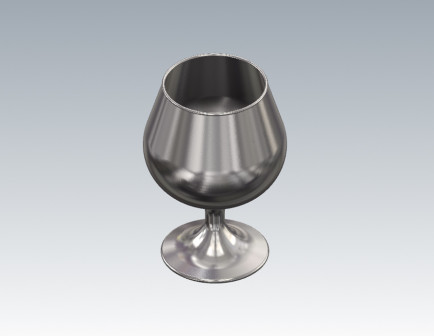
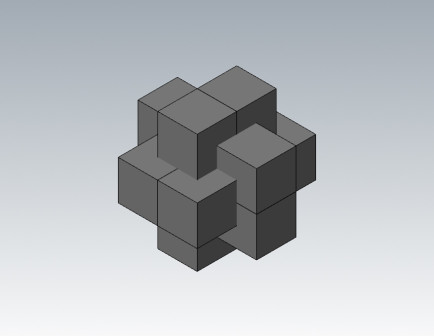
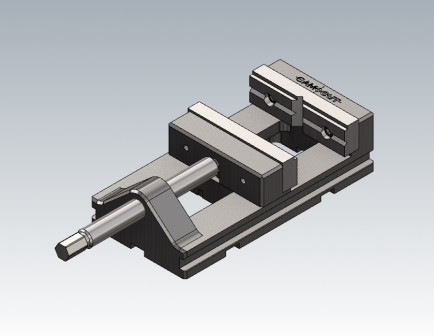
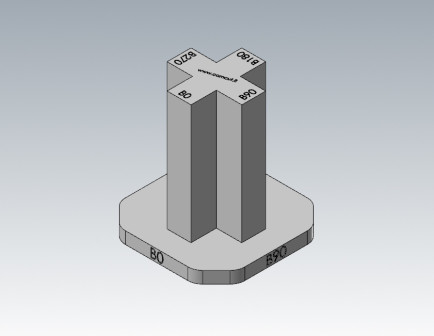
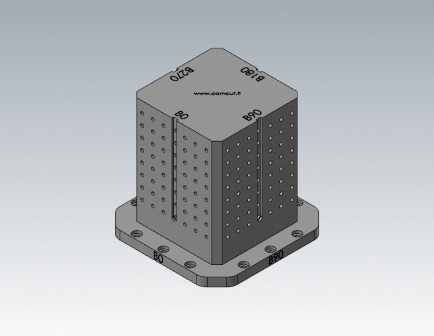
Workpiece holders
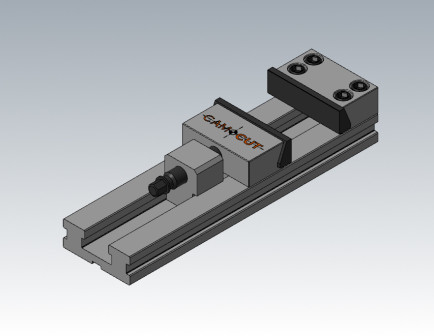
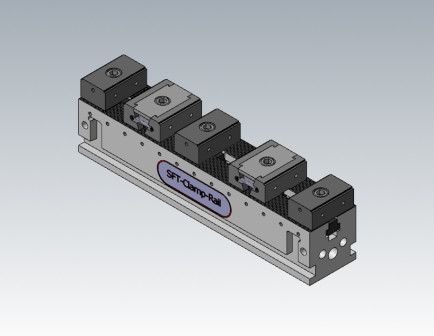
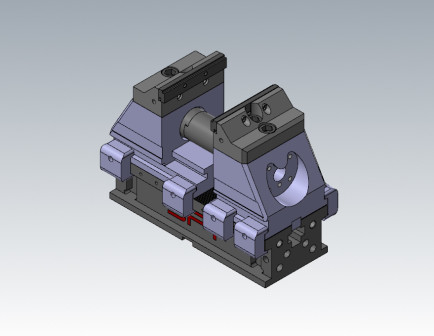
Camcut’s Mastercam exercises are a carefully designed collection that supports both independent learning and goal-oriented training. The content is based on decades of experience in machining and CAM programming, enabling students, professionals, and educational institutions to deepen their mastery of Mastercam step by step through practical, hands-on exercises. The aim is to provide learners with a strong foundation in toolpath planning, modeling, machining optimization, and the application of modern production methods.
The exercises are freely available and are ideally suited to support both educational curricula and employee skills development in companies. The self-study materials offer flexibility, allowing learners to progress at their own pace regardless of time or location. This makes the Mastercam exercises an ideal resource, particularly in vocational education, where theoretical and practical learning go hand in hand.
For more extensive information about Mastercam toolpaths and their applications, visit our comprehensive support section, which serves as a gateway to deeper expertise. The support section provides a wealth of additional materials, practical instructions, and tips to help users advance from the basics to advanced machining strategies. Our support materials are designed to help users make the most of Mastercam’s features to improve production quality and efficiency.
The learning experience is complemented by the Mastercam training videos available in our online store, which provide greater depth and broader context for using the software. The videos introduce students and professionals to advanced machining methods, dynamic toolpaths, multiaxis machining, and toolpath optimization. Their clear, expert-led teaching style supports learning and provides practical ways to transfer new skills directly to the production environment.
If you do not yet have Mastercam, you can easily get started by downloading the free Mastercam demo version. The support section includes clear instructions for installing and getting started with the demo version, allowing you to explore Mastercam’s features in practice before purchasing the software. This lowers the barrier to adopting a new system and gives users the opportunity to learn the software’s basic functions before making a larger investment.
The Mastercam exercises cover a broad range of machining topics, beginning with the fundamentals of design and modeling and progressing to 2D and 3D machining, as well as turning and multiaxis machining applications. The exercises also address the completion of practical projects and the use of fixturing solutions in production processes. This comprehensive approach ensures that learners gain an extensive understanding of the requirements and best practices of machining and CAM programming.
As users progress through the exercises, they learn how to select toolpaths based on a part’s geometry and manufacturing requirements, how to optimize machining sequences to minimize production time and tool wear, and how to improve machining process quality through the correct selection of toolpaths and cutting parameters. Particular attention is given to effective chip control, extending tool life, and ensuring safe and reliable machining.
Camcut’s Mastercam exercises are not merely individual assignments; together, they form a learning path that develops both programming skills and a comprehensive understanding of production processes. Each exercise builds on the previous one and guides learners toward independent thinking, problem-solving skills, and continuous improvement in a modern machine shop environment. The exercises also teach learners to critically evaluate their own work and continually refine their methods to make them more efficient and produce higher-quality results.
Mastercam exercises have a strong connection to real-world practice: they are not just about learning programming for its own sake, but about focusing on how programming skills can be used concretely to improve production efficiency, enhance quality, and increase competitiveness. This practical approach is one of the reasons why Mastercam exercises have become popular in both vocational education and companies’ internal skills development.
Welcome to explore Camcut’s Mastercam exercises and begin your journey toward smoother, more efficient, and more proficient machining. Whether you are a beginner programmer, an experienced machinist, or a trainer, we provide comprehensive tools to help you develop your skills and maintain your competitiveness in the ever-evolving metalworking industry.


